Social Media Image Sizes 2026: Instagram, Facebook, LinkedIn, Bluesky, Pinterest and YouTube
You've spent an hour in Canva on the PERFECT graphic. You hit post, and there it is: your headline sliced off at the top, your logo squished into an egg shape, and your face... well, let's just say it's missing its forehead 🙈
Right, let's sort this out once and for all! Every size you need is below, in one spot, updated for November 2026. A few things have changed, especially on Instagram (the profile grid is now made of tall tiles) and Bluesky, so it's worth a squiz even if you've bookmarked an older guide.
What are the best social media image sizes in 2026?
For most posts, use 1080 x 1350 pixels (portrait) on Instagram, Facebook and LinkedIn, and 1080 x 1920 pixels for Stories and Reels. Pinterest pins are 1000 x 1500, YouTube thumbnails are 1280 x 720, and a 1080 x 1080 square is the safest size when one image has to work on every platform.
Social media image sizes 2026 at a glance
Platform | Profile photo | Cover or banner | Feed post | Stories and vertical video |
|---|---|---|---|---|
320 x 320 | n/a | 1080 x 1350 (4:5) or 1080 x 1440 (3:4) | 1080 x 1920 | |
320 x 320 | 851 x 315 | 1080 x 1350, or 1200 x 630 for links | 1080 x 1920 | |
400 x 400 | 1584 x 396 | 1080 x 1350, 1080 x 1080 or 1200 x 627 | n/a | |
Bluesky | 400 x 400 | 1500 x 500 | 1080 x 1080 (any shape works) | n/a |
600 x 600 | 800 x 450 | 1000 x 1500 (2:3) | 1080 x 1920 | |
YouTube | 800 x 800 | 2560 x 1440 | Thumbnail 1280 x 720 | Shorts 1080 x 1920 |
Bookmark this page 📌 I update it every time a platform changes its mind.
What's new in this update?
• Instagram: the profile grid became tall 3:4 tiles in January 2025, and 3:4 photo uploads (1080 x 1440) arrived in May 2025. Older guides that call the grid square are out of date.
• Bluesky: image uploads went up to 4000 x 4000 pixels and 2MB each in April 2026, and in June 2026 a post can hold up to 10 images, with five or more showing as a swipeable gallery.
• LinkedIn: company Page covers are now 1512 x 256 pixels.
• Facebook: upload profile photos at 320 x 320, and group covers are 1640 x 856.
• YouTube: I've corrected the banner safe area (see the YouTube section) so your text stays visible on every device.
Instagram image sizes 2026

What size should Instagram posts be in 2026?
Use 1080 x 1350 pixels (4:5 portrait) as your go-to. It fills lots of the feed, suits carousels, and plays nicely with scheduling tools and ads. If you post straight from the Instagram app and love a tidy profile, 1080 x 1440 pixels (3:4) matches your grid tile exactly, so nothing gets trimmed. Check that your scheduling tool accepts 3:4 before you rely on it.

Why is Instagram cropping my profile grid?
Since January 2025 your grid has shown every post as a tall 3:4 tile. Meta hasn't published the exact ratio, but testing keeps landing on 3:4. A 4:5 post loses a thin strip down each side, and a square loses more. Keep your face, headline and logo in the middle of the image and you're covered.
Instagram sizes:
• Profile photo: 320 x 320 pixels (shown as a circle, so centre your face or logo)
• Portrait post: 1080 x 1350 pixels (4:5)
• Tall post: 1080 x 1440 pixels (3:4), a perfect match for the profile grid
• Square post: 1080 x 1080 pixels (1:1), which gets its sides trimmed on the grid
• Carousel slides: 1080 x 1350 (4:5) or 1080 x 1440 (3:4), with every slide the same shape
• Stories and Reels: 1080 x 1920 pixels (9:16)
• Reel covers: your grid shows the middle 1080 x 1440, so keep titles in the centre

Instagram Reel size: 1080 x 1920 pixels

Facebook image sizes 2026

What size should my Facebook cover photo be?
Upload 851 x 315 pixels. Meta suggests a JPG under 100KB so it loads fast, and the minimum is 400 x 150. Facebook crops covers differently on computers and phones, and your profile photo sits over the bottom left corner, so keep your face, your offer and your contact details in the middle.
What size should my Facebook cover photo be?
Recommended: 851 x 315 pixels, displayed at 820 x 312 pixels on desktop. On mobile, only the central 640 x 360 pixels area is fully visible - so keep your most important content (your face, your offer, your contact details) in that zone.
Facebook sizes:
• Profile photo: upload 320 x 320 pixels (a circle, shown at 176 x 176 on computers and 196 x 196 on phones)
• Page cover photo: 851 x 315 pixels
• Group cover photo: 1640 x 856 pixels
• Event cover photo: 1920 x 1005 pixels
• Portrait post: 1080 x 1350 pixels (4:5)
• Square post: 1080 x 1080 pixels
• Link and landscape image: 1200 x 630 pixels
• Stories and Reels: 1080 x 1920 pixels
What image size should I use for Facebook ads?
Use 1080 x 1080 pixels for feed ads, and 1080 x 1920 pixels for Stories and Reels placements. Making both a square and a story version means your ad looks right wherever it lands.
LinkedIn image sizes 2026
What size should a LinkedIn banner be?
1584 x 396 pixels (4:1), as a JPG or PNG under 8MB. Your round profile photo covers the bottom left corner and phones trim the edges, so keep your text in the middle.
LinkedIn sizes
Profile photo: 400 x 400 pixels or larger (300 x 300 is the minimum)
Personal banner: 1584 x 396 pixels
Company Page cover: 1512 x 256 pixels
Landscape post: 1200 x 627 pixels
Square post: 1080 x 1080 pixels
Portrait post: 1080 x 1350 pixels, which takes up the most space on mobile
Carousel (PDF) slides: 1080 x 1080 pixels
LinkedIn is where people look you up before they get in touch, so a sharp headshot works hard for you.
Bluesky image sizes 2026
Bluesky leaves the pixel sizes up to us, so these are the sizes that work best in testing.

What size are Bluesky images?
A 1080 x 1080 square is the safest pick, and portrait or landscape both work too. Each post can hold up to 10 images, each up to 2MB and 4000 x 4000 pixels.
Bluesky sizes
Profile photo: 400 x 400 pixels, under 1MB (shown as a circle)
Banner: 1500 x 500 pixels (3:1), under 1MB, with your profile photo overlapping the bottom left
Post images: 1080 x 1080 pixels (1:1), or any portrait or landscape shape
Post text: 300 characters, so short and punchy suits it perfectly
Alt text: up to 2,000 characters per image
Pinterest image sizes 2026
What is the best Pinterest pin size?
1000 x 1500 pixels (2:3). Tall pins take up more of the feed, and anything taller than about 1:2.1 gets cut off, so 2:3 keeps your whole pin on show.
Pinterest sizes
Standard pin: 1000 x 1500 pixels (2:3)
Square pin: 1000 x 1000 pixels, which works but takes up less space
Long pin: up to 1000 x 2100 pixels, the tallest that shows before cropping
Vertical video pin: 1080 x 1920 pixels (9:16) or 1000 x 1500 pixels (2:3)
Profile photo: upload 600 x 600 pixels (it shows at 165 x 165)
Profile cover: 800 x 450 pixels
Board cover: at least 600 x 600 pixels, and you choose the crop, so centre your subject
Story Pins and Idea Pins have been folded into the regular Pin format, so there's no separate Story Pin size to design for any more. Pinterest is a visual search engine, so give every pin a title and a description using the words people type in.
YouTube image sizes 2026

What size should a YouTube banner be?
2560 x 1440 pixels, with a minimum of 2048 x 1152, as a JPG or PNG under 6MB. Different devices show different slices of your banner, but the centre 1546 x 423 pixels shows everywhere, so keep all your text and your logo in that strip. On a minimum size 2048 x 1152 banner, the same safe area is 1235 x 338 pixels.
YouTube sizes
Profile photo: 800 x 800 pixels (it shows tiny, around 98 x 98, so keep it bold and simple)
Banner: 2560 x 1440 pixels, with text and logos inside the 1546 x 423 safe area
Thumbnail: 1280 x 720 pixels (16:9), JPG or PNG under 2MB
Shorts: 1080 x 1920 pixels (9:16)
Keep thumbnail text big and short, because it often shows up tiny in search.
Don't forget the alt text
Alt text is a short description of your image for people who use screen readers, and it helps search engines and AI tools understand your content too. One or two sentences about what's in the picture does the job. Instagram allows up to 1,000 characters and Bluesky up to 2,000. Accessibility matters a lot to me, and it's one of the kindest things you can do for your audience.
Why the right size helps your business get seen
First impressions: a sharp, uncropped image looks polished, and people decide fast.
More space: portrait images take up more of the feed, so more of your message lands.
Visibility: your face, your offer and your call to action stay on show instead of getting trimmed.
Frequently asked questions
What happens if I use the wrong image size on social media?
The platform crops, stretches or compresses your image to fit. Important parts can get cut off, text can become hard to read, and the post can look blurry. Designing at the recommended size before you upload keeps your image looking the way you made it.
Do social media image sizes change often?
Yes, a few times a year, sometimes without much notice. Instagram changed its profile grid and added 3:4 photos in 2025, and Bluesky raised its image limits twice in 2026. I update this page whenever something changes, so bookmark it and check back when you're making new graphics or templates.
What is the best image size for Instagram in 2026?
1080 x 1350 pixels (4:5) for feed posts and carousels, or 1080 x 1440 pixels (3:4) if you post from the app and want it to match your profile grid exactly. Stories and Reels are 1080 x 1920 pixels.
What image size should I use for Facebook ads?
1080 x 1080 pixels for feed ads and 1080 x 1920 pixels for Stories and Reels placements. Making both a square and a story version means your ad looks right in every placement.
Is there a universal image size for every social media platform?
A 1080 x 1080 pixel square is the closest thing to one, and it displays well on most platforms without cropping. For the best results, make a version for each platform using the sizes above.
Should I use JPG or PNG?
JPG suits photos and keeps files small. PNG suits graphics with text or logos because the edges stay crisp. Export in sRGB, and keep Facebook covers under 100KB and Bluesky profile images under 1MB.
What size should I make my design in Canva?
Choose Create a design, then Custom size, and type in the width and height in pixels from this guide. Keep your key information in the middle of the design so cropping can't touch it.
Ready to uncomplify the rest of your marketing?
Imagine opening Instagram next week and every post sitting perfectly in its frame, your face where it belongs, your offer easy to spot. As that picture settles in, you might notice you're ready for a clear plan for everything else too: what to post, where to post it, and how to get found on Google and in ChatGPT.
Book your free 30 minute Strategy Chat with me on Zoom: https://hellomedia.team/book-now
Prefer to learn at your own pace first? Have a squiz at the Beyond SEO workshop, where we make your business easy to find, for people and for AI: https://hellomedia.team/beyondseo-workshop
Love a free community? Join the Hello Media Lounge on Facebook for AI + Socials + Strategy Updates (it's free!):
AI + Socials + Strategy Updates | Hello Media Lounge
Kylie 🌿
P.S. I update this guide every time a platform changes its sizes. Pop your email on the Hello Media list and I'll tell you first: Subscribe to our newsletters
About Kylie
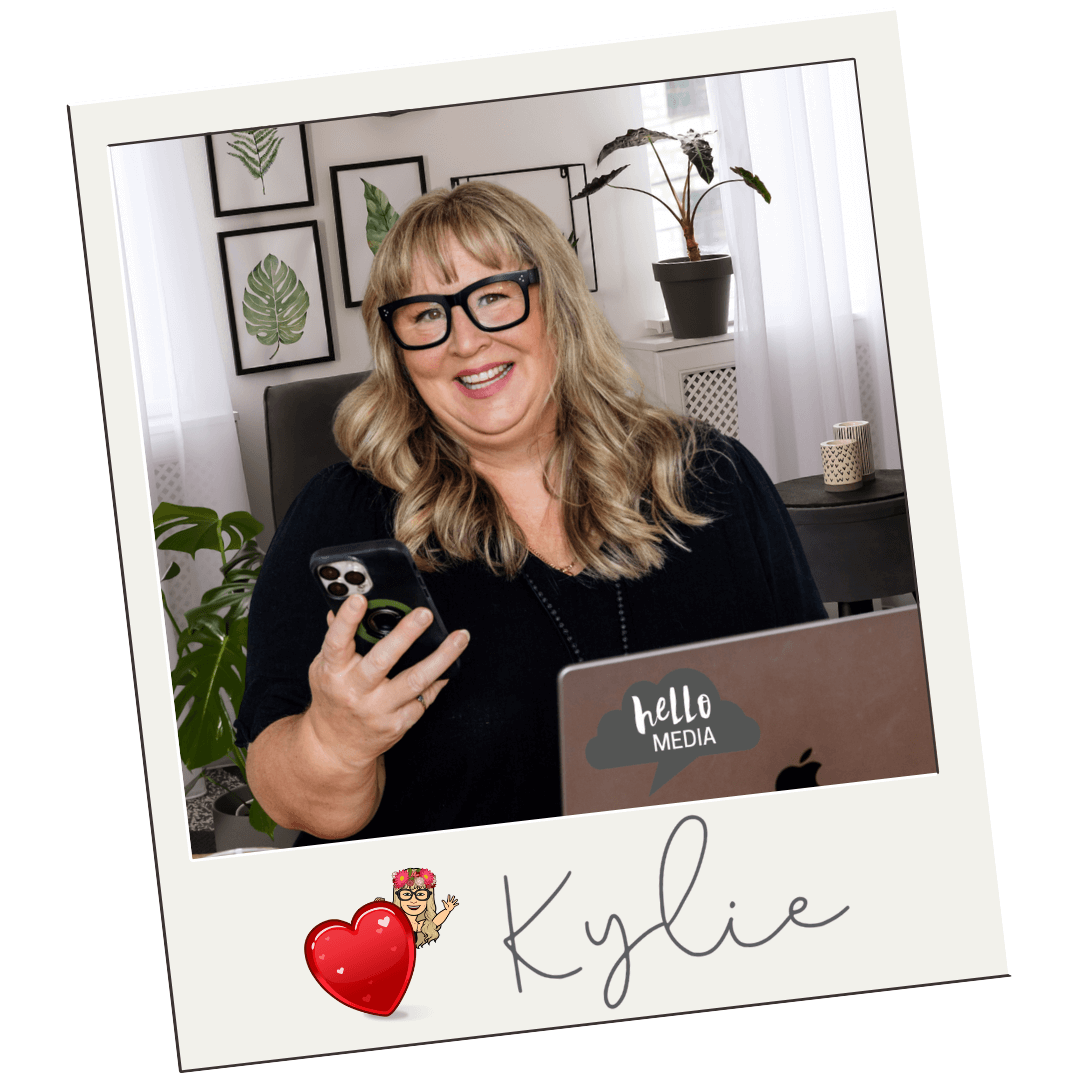
Kylie Mowbray-Allen is the founder of Hello Media, a coach and keynote speaker who helps business owners 40+ uncomplify their marketing so they can magnify their visibility and attract their dream clients. Auckland raised, Sydney and London lived, Bangalow based, and powered by ukulele, picnics and bike rides 🌿
First published: January 2025 | Last updated: November 2026